CBT Reframe Clicker
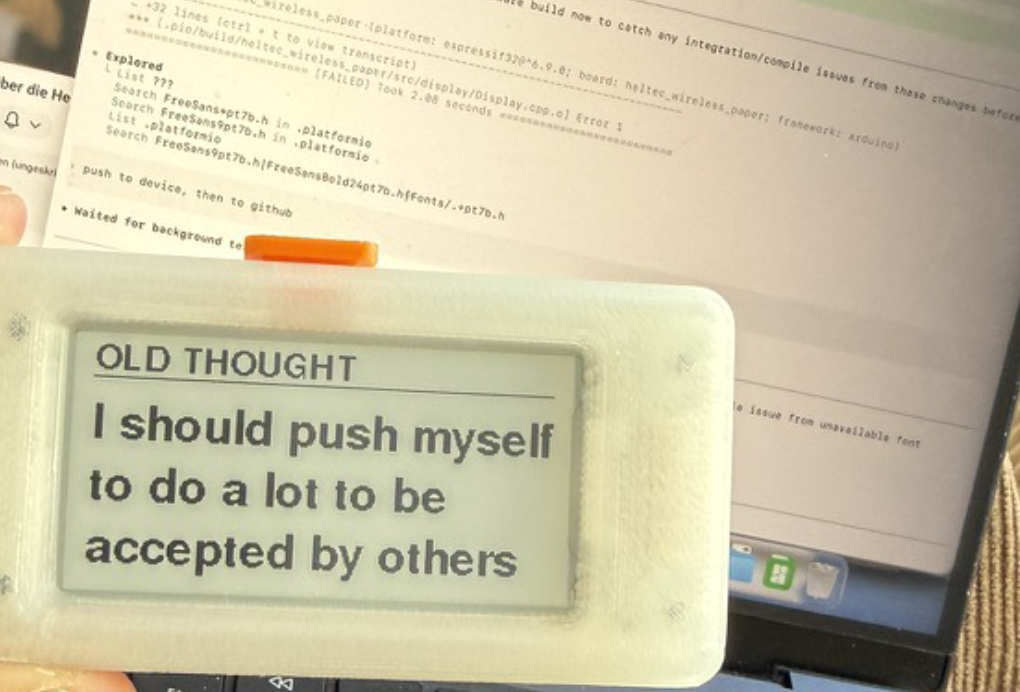
Your therapist helps you build reframes — pairs of old thoughts and new ones. But between sessions they live buried in a WhatsApp chat or a notebook you never open. This device puts them in your pocket and gives them back to you every single day, wherever you are, whenever you need them. One click at a time.
How it started
A weekend project that stuck
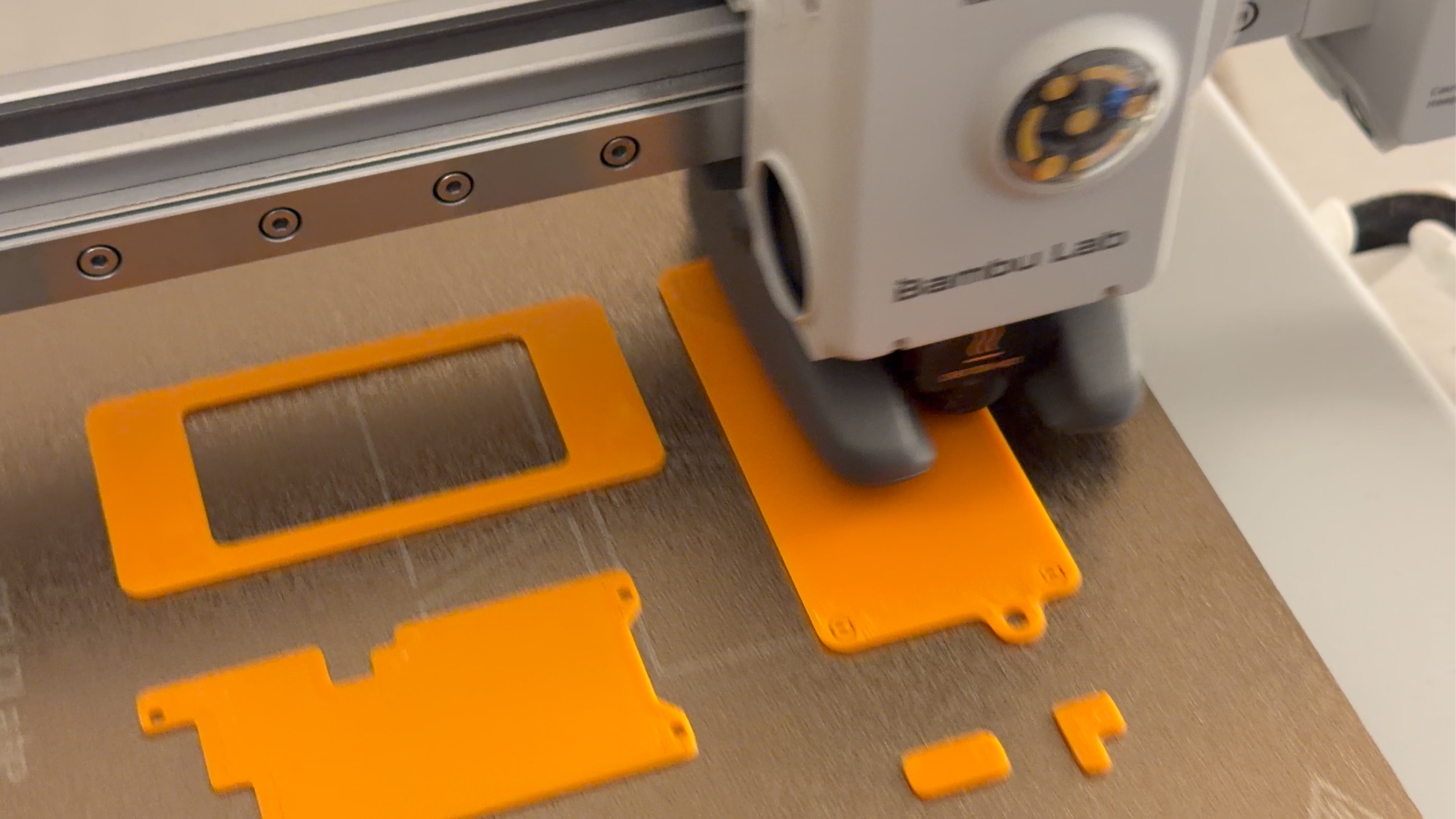
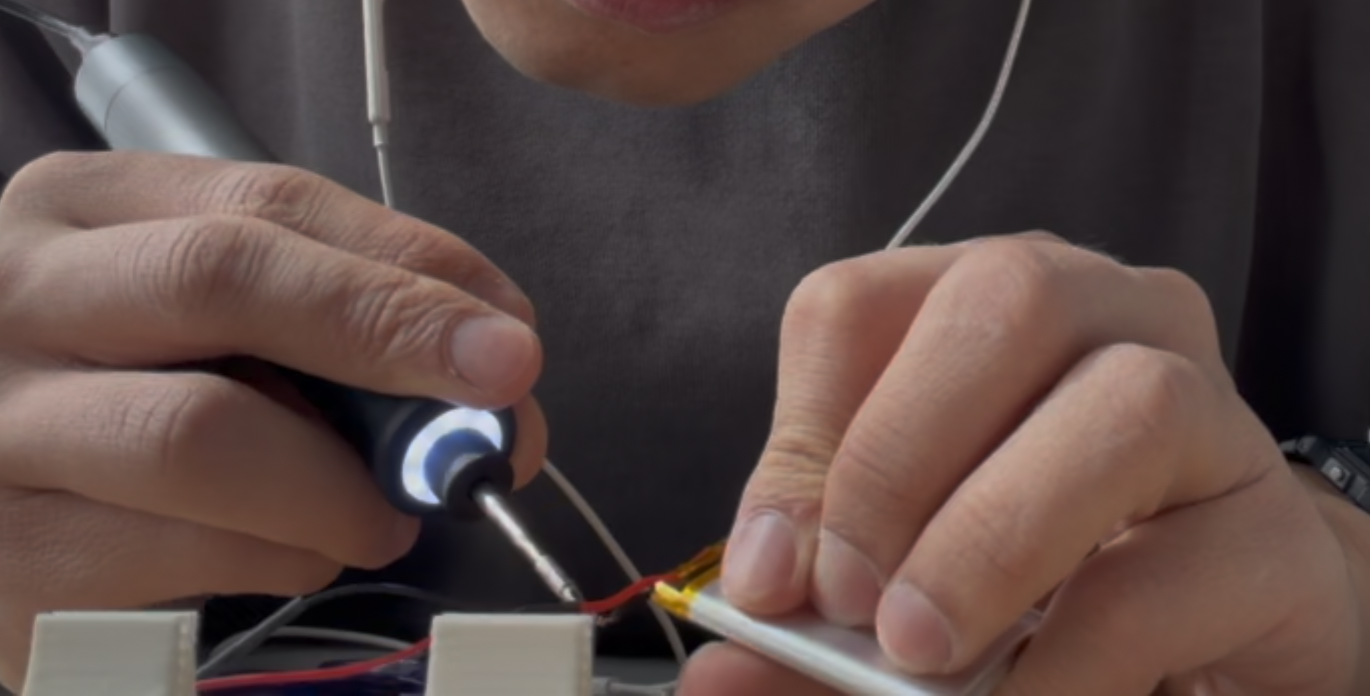
I kept forgetting to revisit my own reframes between therapy sessions. My phone was the wrong tool — too many distractions, too much friction. So I built the simplest thing that could work: one button, one screen, my reframes.

How to use it
Click through your reframes
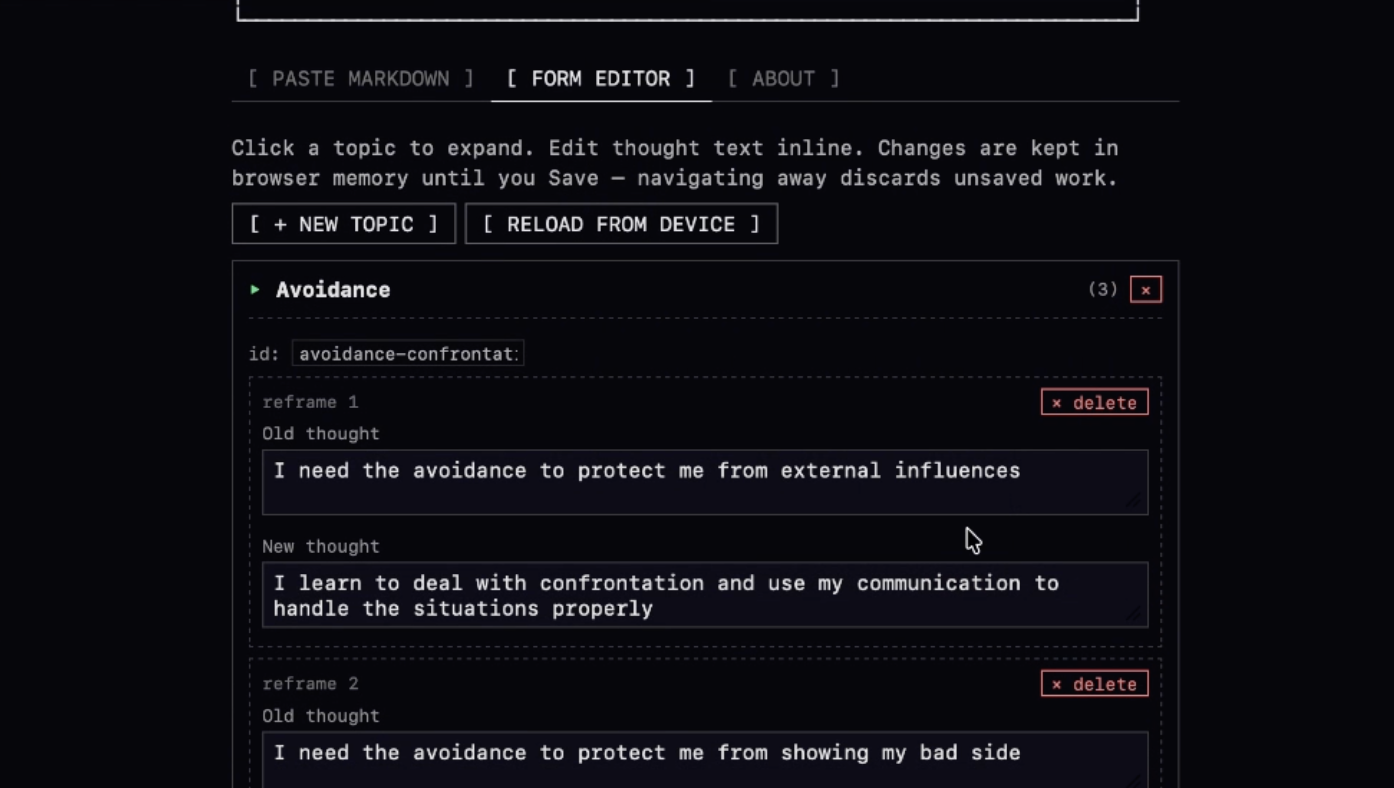
The device comes preloaded with generic CBT reframes so you can start using it right away. To upload your own:
Long press the button, then select Upload.
The screen shows a network name and password. Join it from your phone or laptop — a portal window pops up automatically.
Type them in manually through the form editor, or have Claude reformat your therapy notes into a markdown file and paste it in. Either way takes a few minutes.
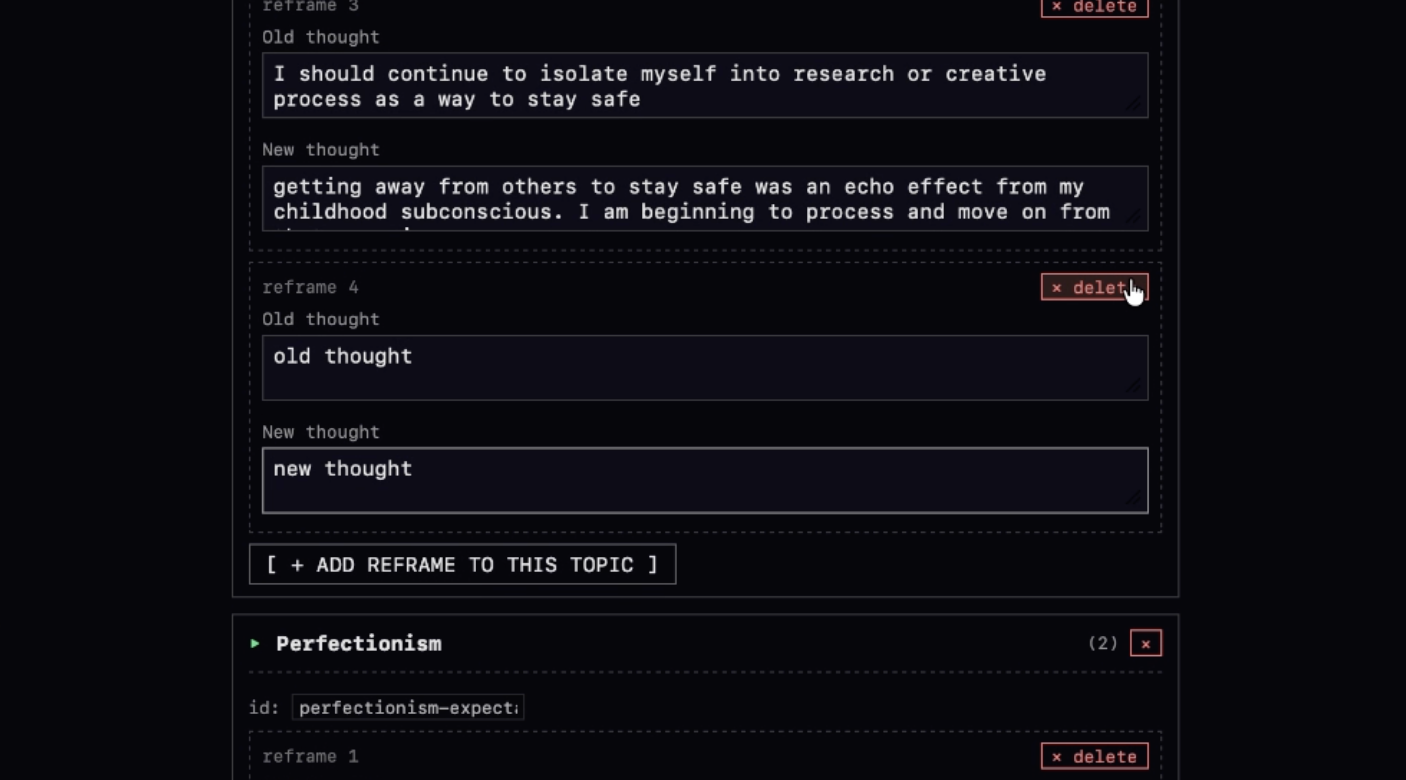
Exit upload mode. Your reframes are on the device, offline, private, ready to go.
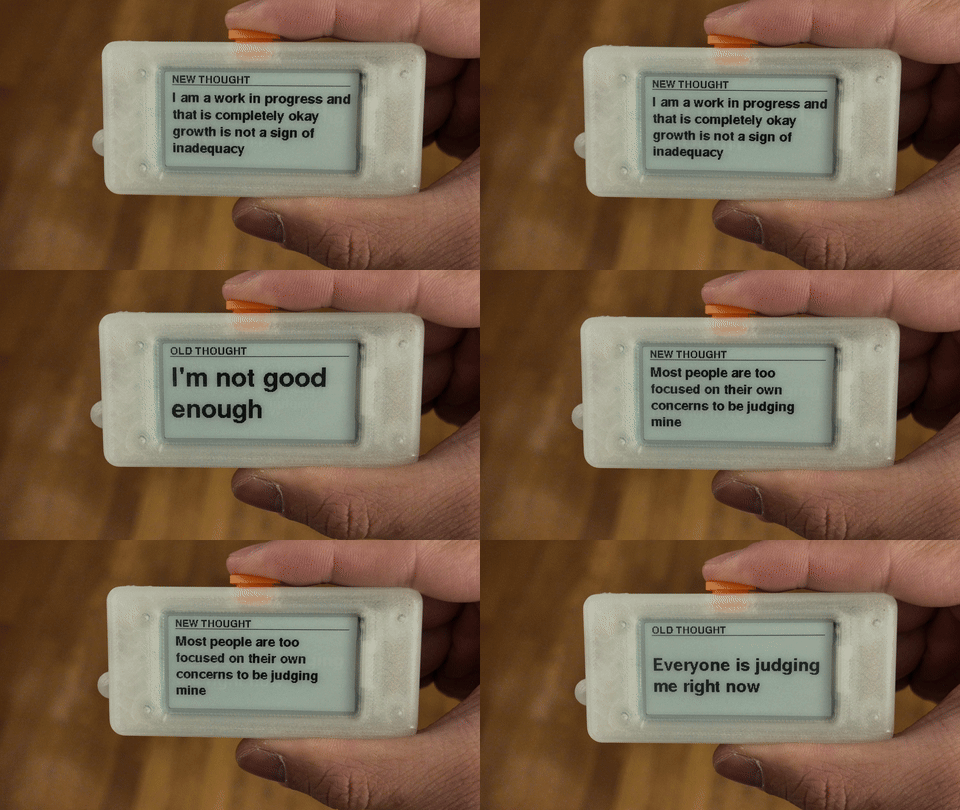
The button
One button, five commands
Every interaction goes through a single tactile button. It takes about a minute to learn, then your thumb just knows it.
Features
Small device, thoughtful details
Topic mode
Organize reframes into topics — work, relationships, self-worth, whatever fits your therapy. Browse by topic or shuffle across all of them.
Dark mode
Inverts the e-ink display — white text on black. Easier on the eyes at night, and it looks great.
Flip button mode
Swaps the click direction so you can operate the device with either hand, or flip it upside down in your pocket. Left-handed people exist.
What's inside